Edit Existing User
Edit Existing User
To edit a user, click “add or edit user” in the administration portal.
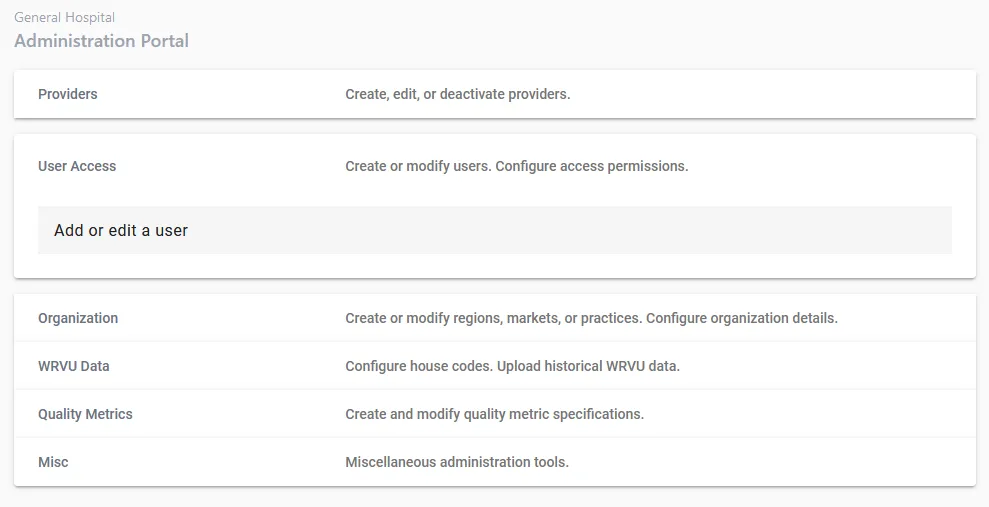
Step 1. Choose “edit existing user”
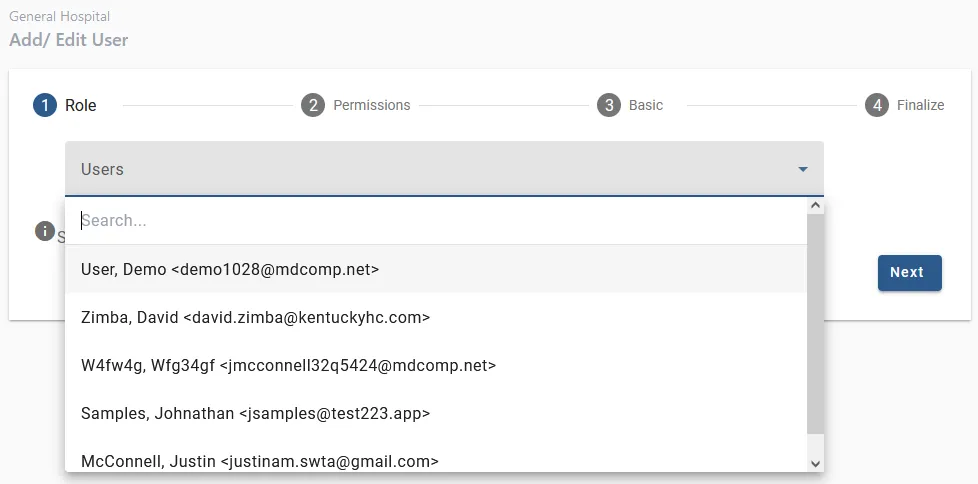
Step 2. Search for user
Use the dropdown and search bar to search for the user you wish to edit.
Step 3. Edit information
On the remaining tabs, edit the user’s information. Subsequent steps are similar to steps outlined on the Add New User page. On the final step, confirm that all information is correct and then click “Submit”.