Add New Market
To add a new Market, click the link titled “Add or edit a Market” in the administration portal.
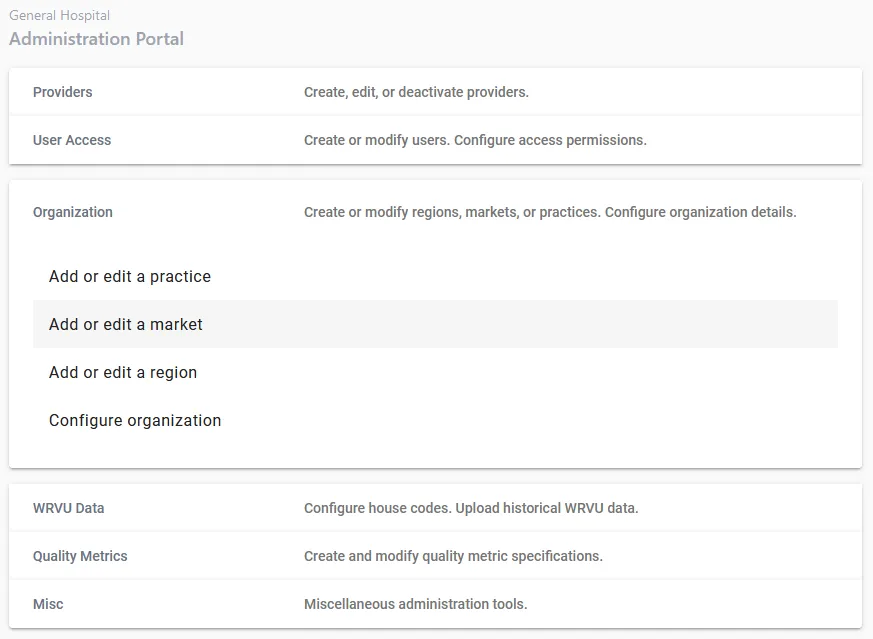
Step 1. Click “Add new market”.
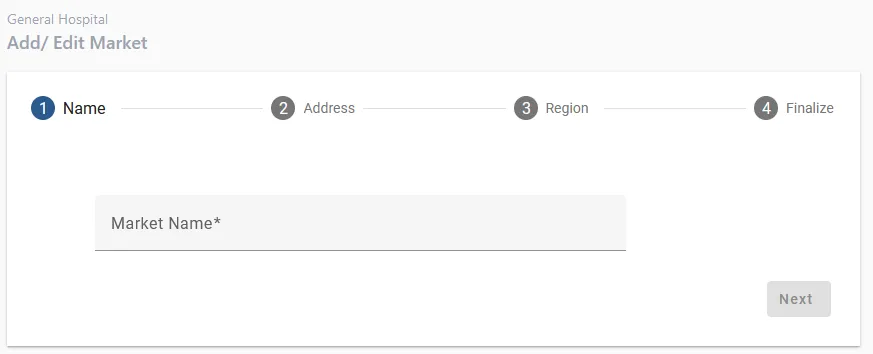
Step 2. Enter a name for the new Market.
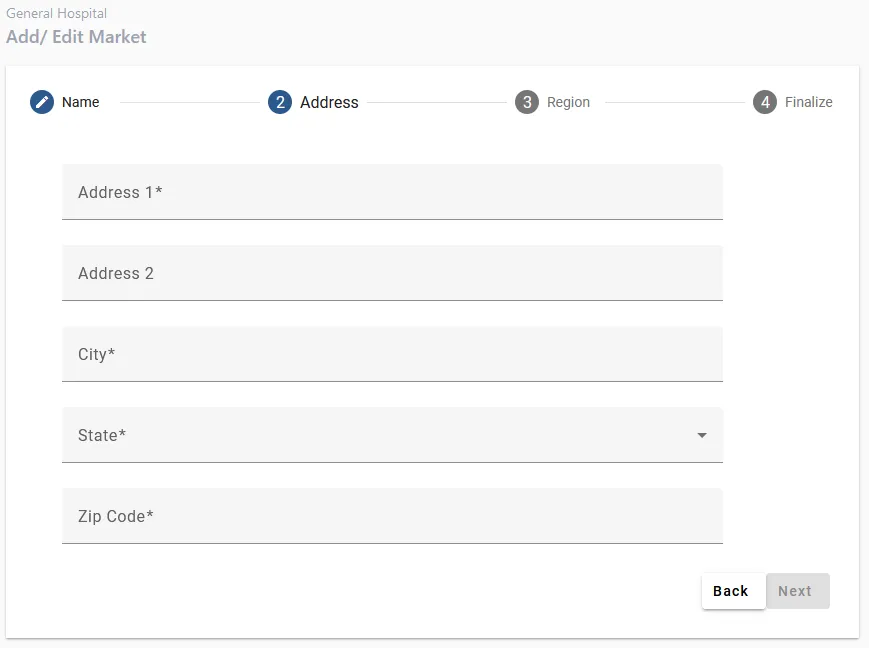
Step 3. Enter the address information for the new market.
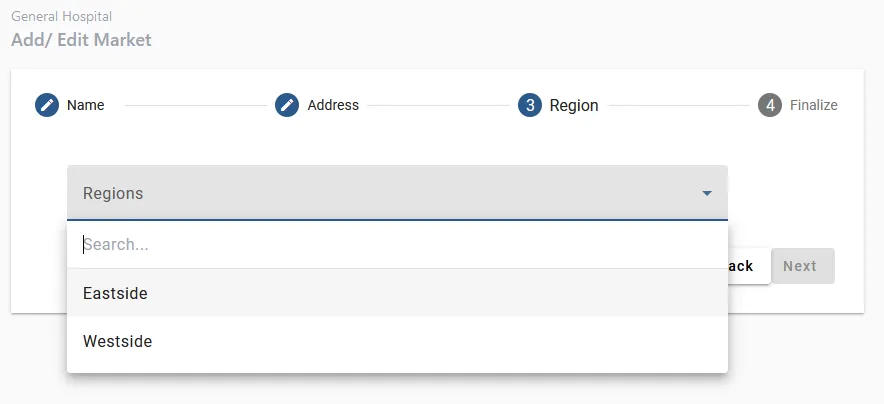
Step 4. Choose the Region this new market will belong to.
Step 5. Verify
Verify the information is correct, then click “Submit”.