Edit Existing Market
To edit an existing Market, click the link titled “Add or edit a Market” in the administration portal.
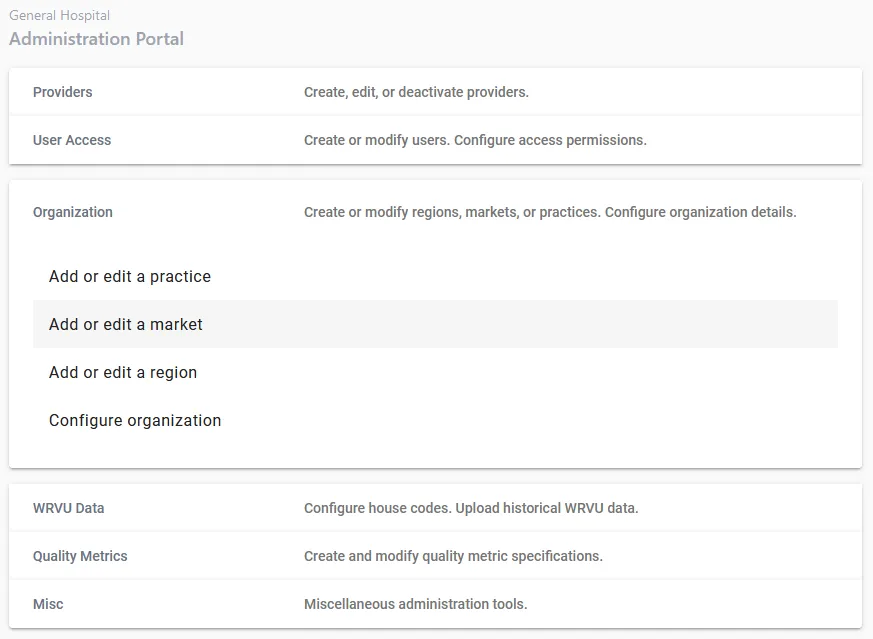
Step 1. Choose a Market from the dropdown
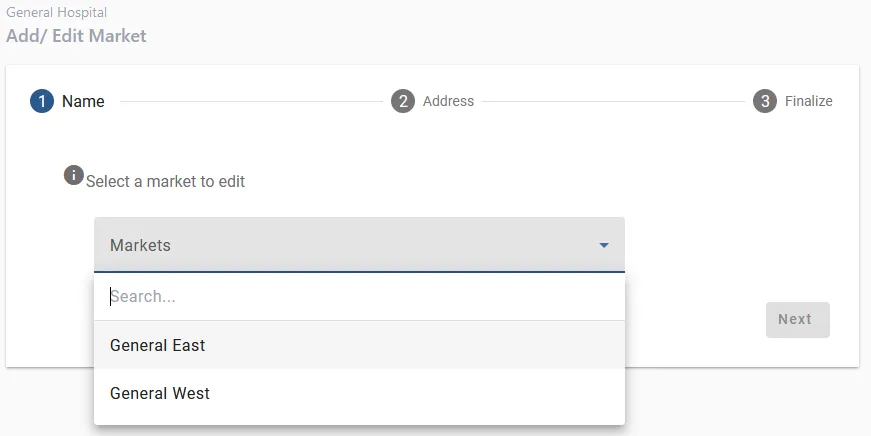
Step 2. Complete the rest of the steps.
The remaining steps are similar to the ones on the Add New Market article. When you reach the final step, verify all information is correct and then click “Submit”.