Edit a Region
To edit an existing Region, click the link titled “Add or edit a Region” in the administration portal.
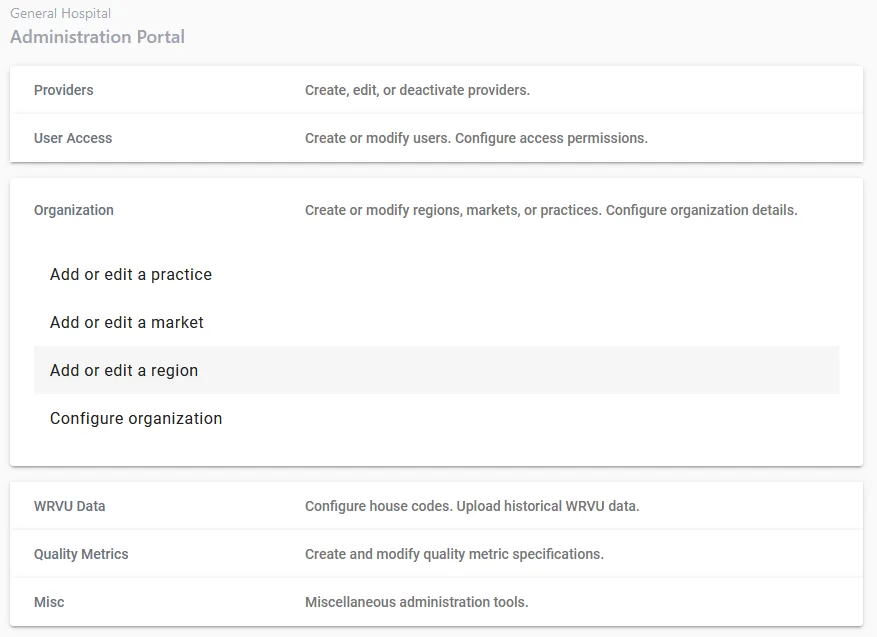
Step 1. Click on “Edit Region”
Step 2. Choose a Region to edit.
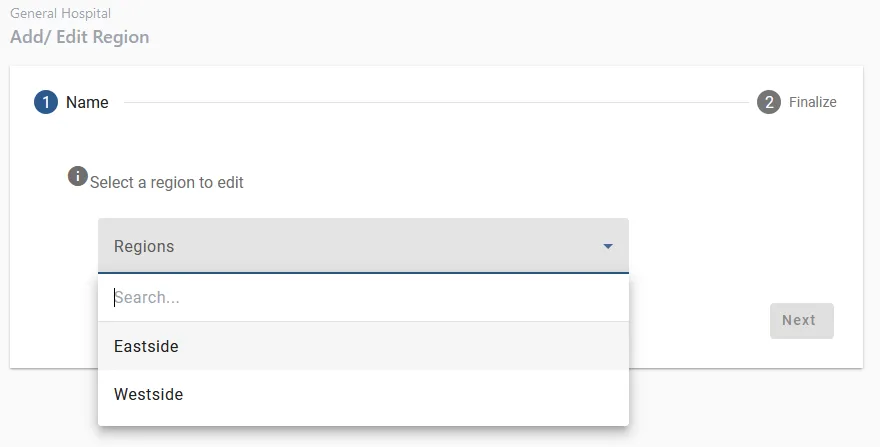
Step 3. Edit the information
Edit the name or the (optional) description.
Step 4. Verify
Verify that all information is accurate, then click “Submit”.