Configure Organization
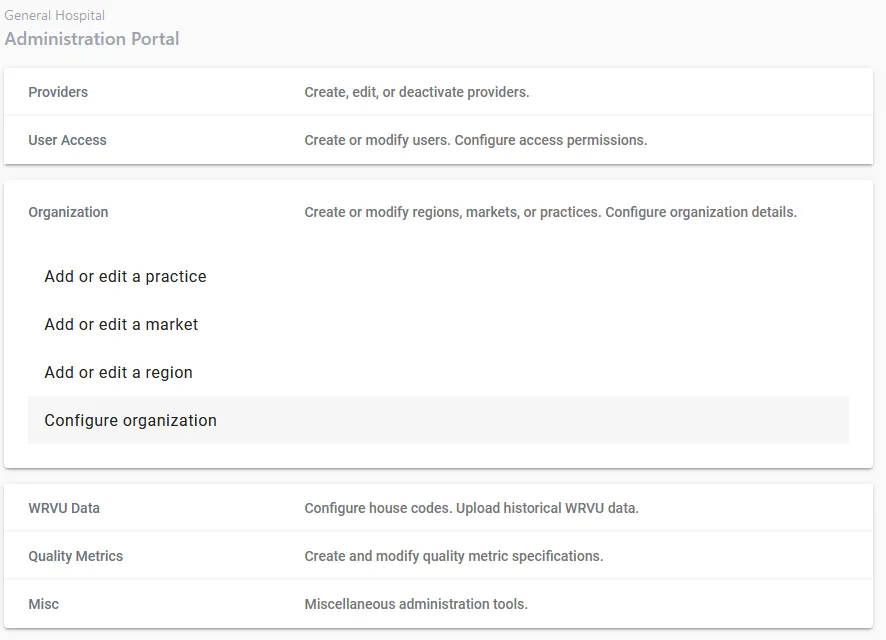
You have the ability to edit details about your organization. Choose “Configure Organization” from the Organization tab in the administration portal.
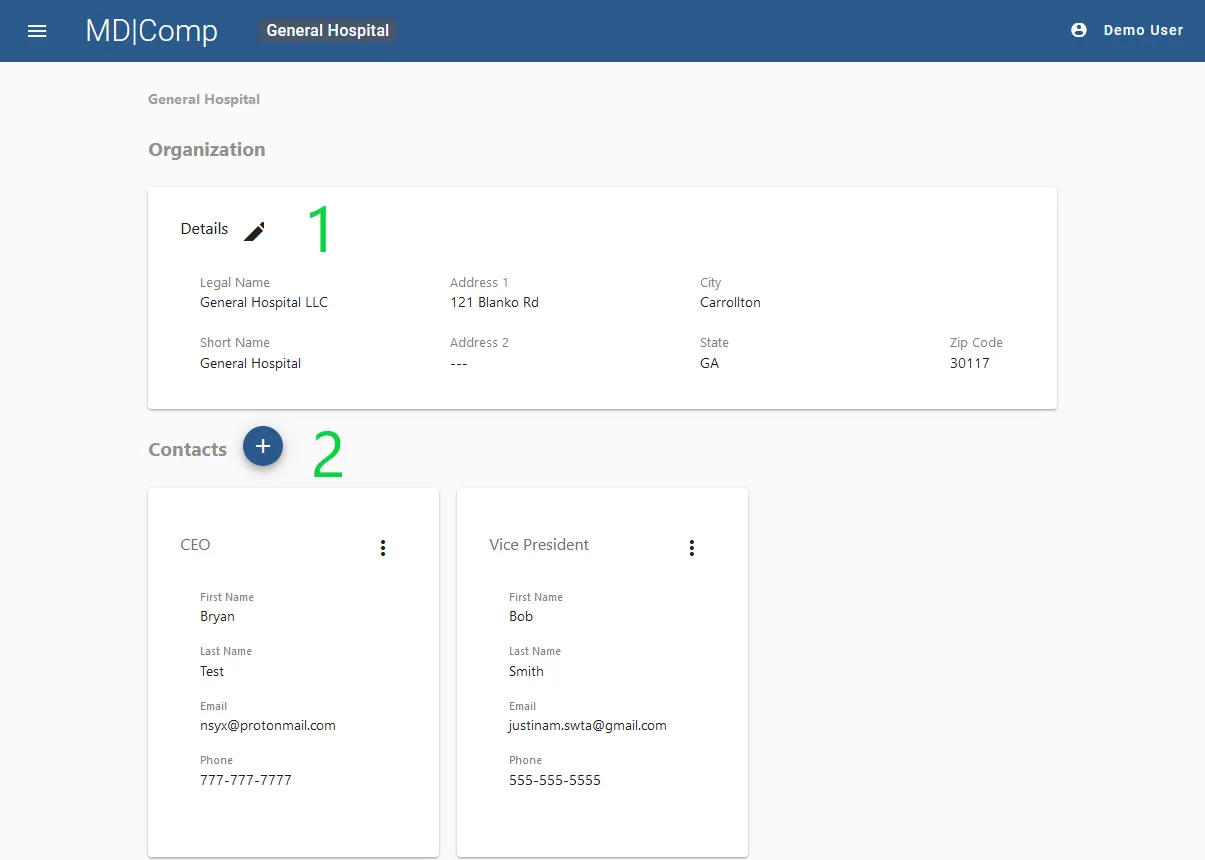
- Details. Click the pencil icon to change the organization’s legal name and address information.
- Contacts. Click the “plus” button to add a new administrative contact. Anyone added here will be CC’d on Welcome Emails.