Login Guide
In this guide, you will learn how to initially log in to MD|Comp and log out.
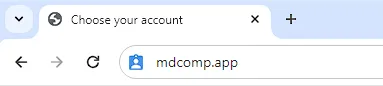
Step 1. Navigate to https://mdcomp.app.
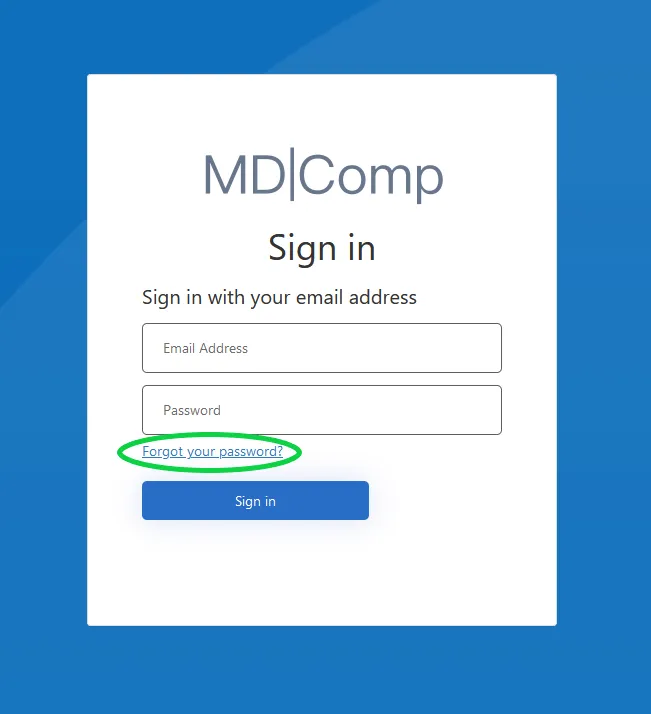
Step 2. Click on the “Forgot your password?” link at the bottom.
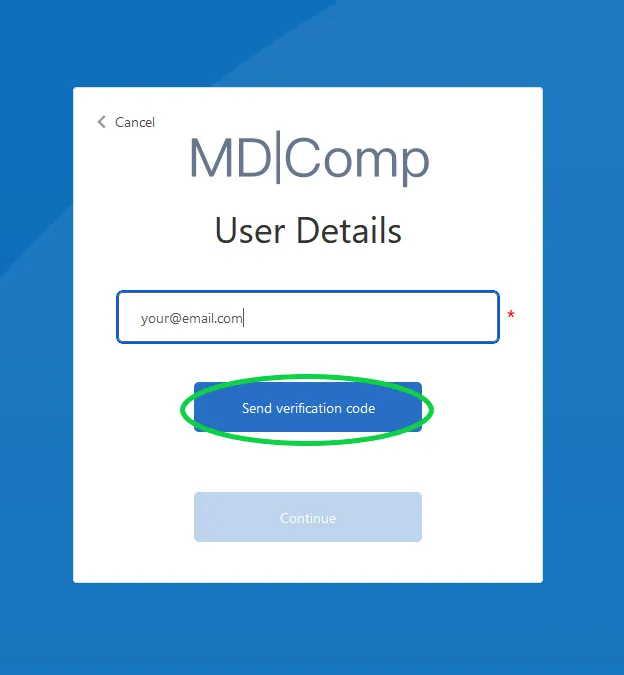
Step 3. Enter your email address and click “Send Verification Code”.
Step 4. You should receive an email with your verification code. Enter it in the Verification code input and click “Verify code” button.
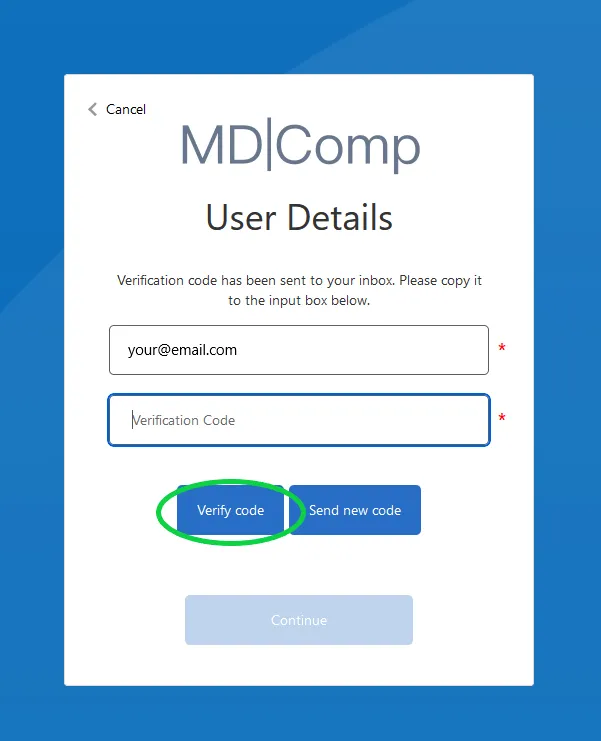
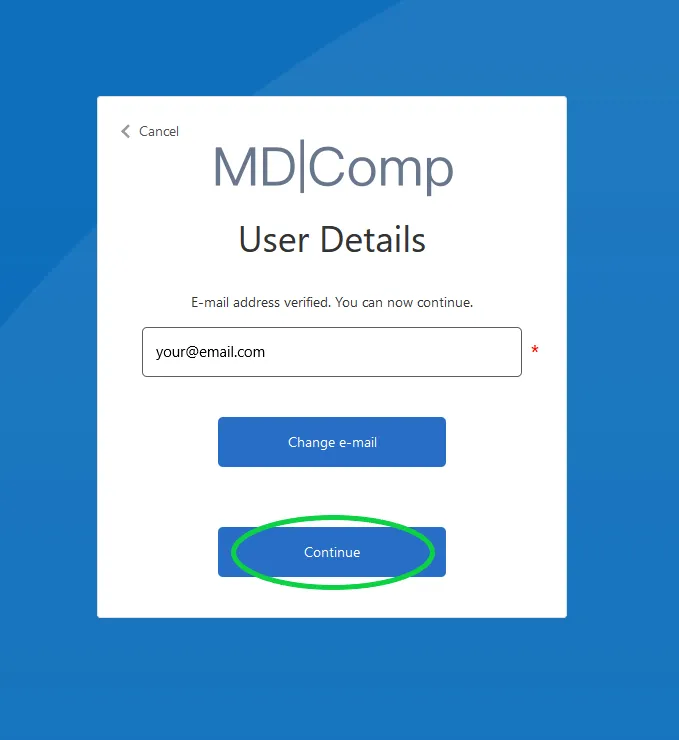
Step 5. Once the code is verified click “Continue”.
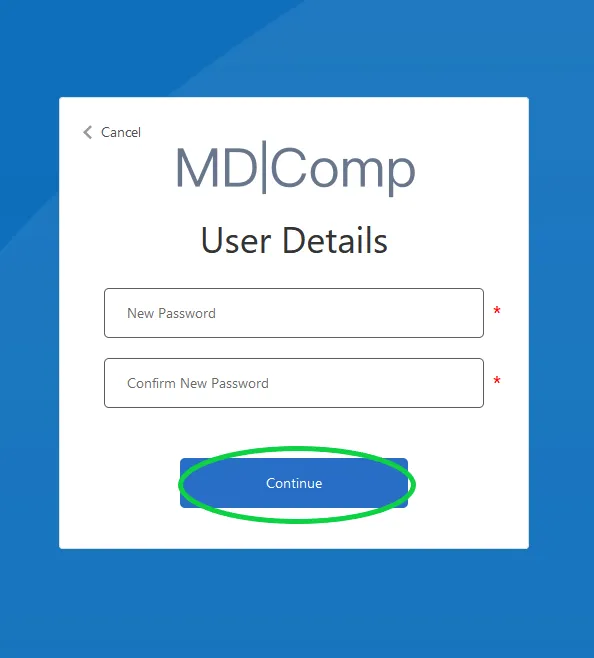
Step 6. Create your new password and enter it, then click “Continue” button. You can now log in.
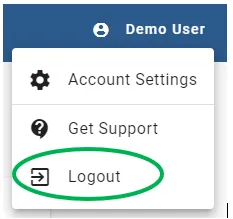
Step 7. Once logged in, in the top right corner of the screen you will see a user icon with your username. Click on the icon to open the account menu.