Get Support
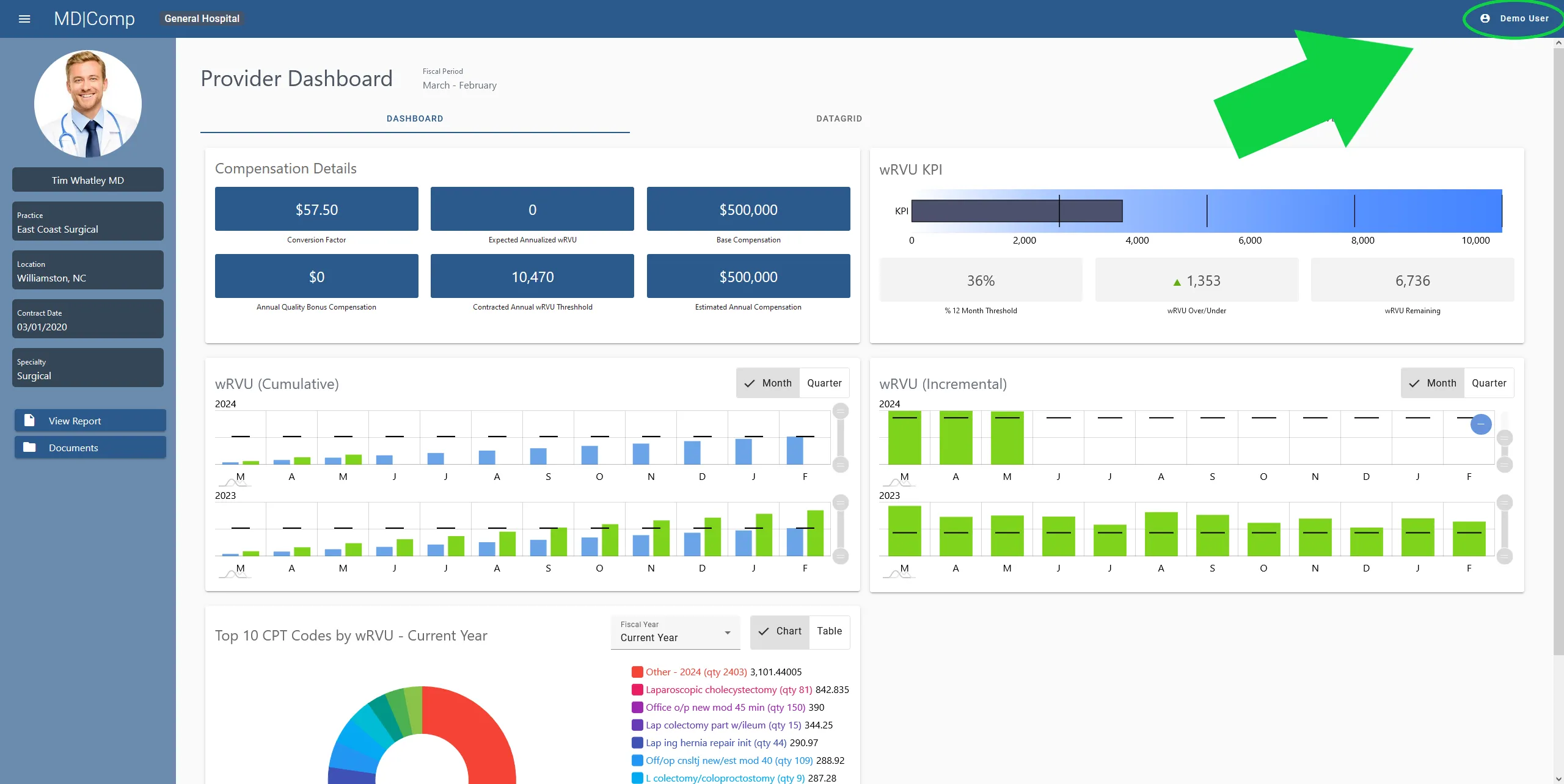
If you run into issues with our product, agents are available to help. In the top right corner of the screen, you will see a user icon with your username.
Click on the icon to open the account menu.
Click on the “Get Support” menu item.
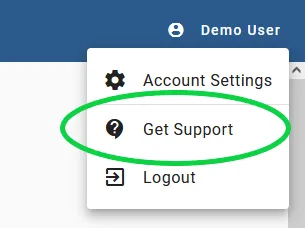
- Click on the “Get Support” menu item. Some information will be auto filled from your account information if it’s available.
- Select the best category from the drop down menu based on the issue you’re experiencing.
- Add any screenshots or documents that might help us complete your ticket. You can drag and drop them into the dotted border above the comment box, or you can click “Browse” and select them from your system using the file selection prompt that will appear.
- Add a detailed description of the issue you’re experiencing in the comment section.
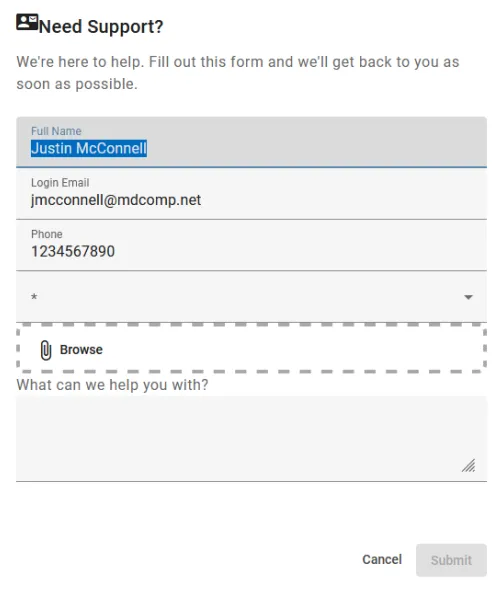
Click “Submit” once you are done filling out the form and an agent should get back to you within 48 hours.